Fill logins, friction-free
The Key Nest extension detects login forms, fills credentials in one click, and unlocks with a PIN — for Chrome, Edge and Firefox.
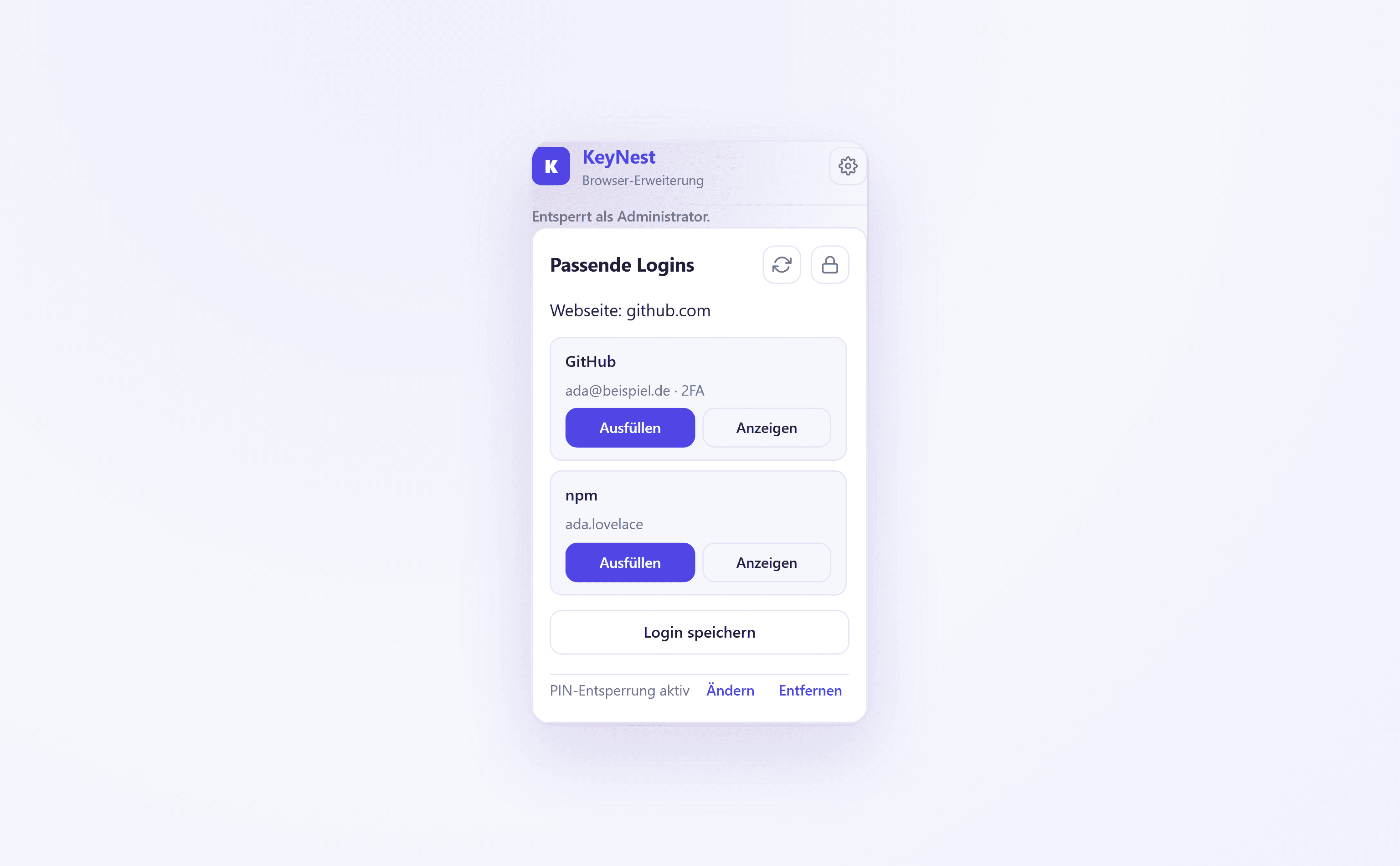
Auto-fill for any website
The extension detects the current page's login form and suggests matching entries from your vaults — username and password filled in one click.
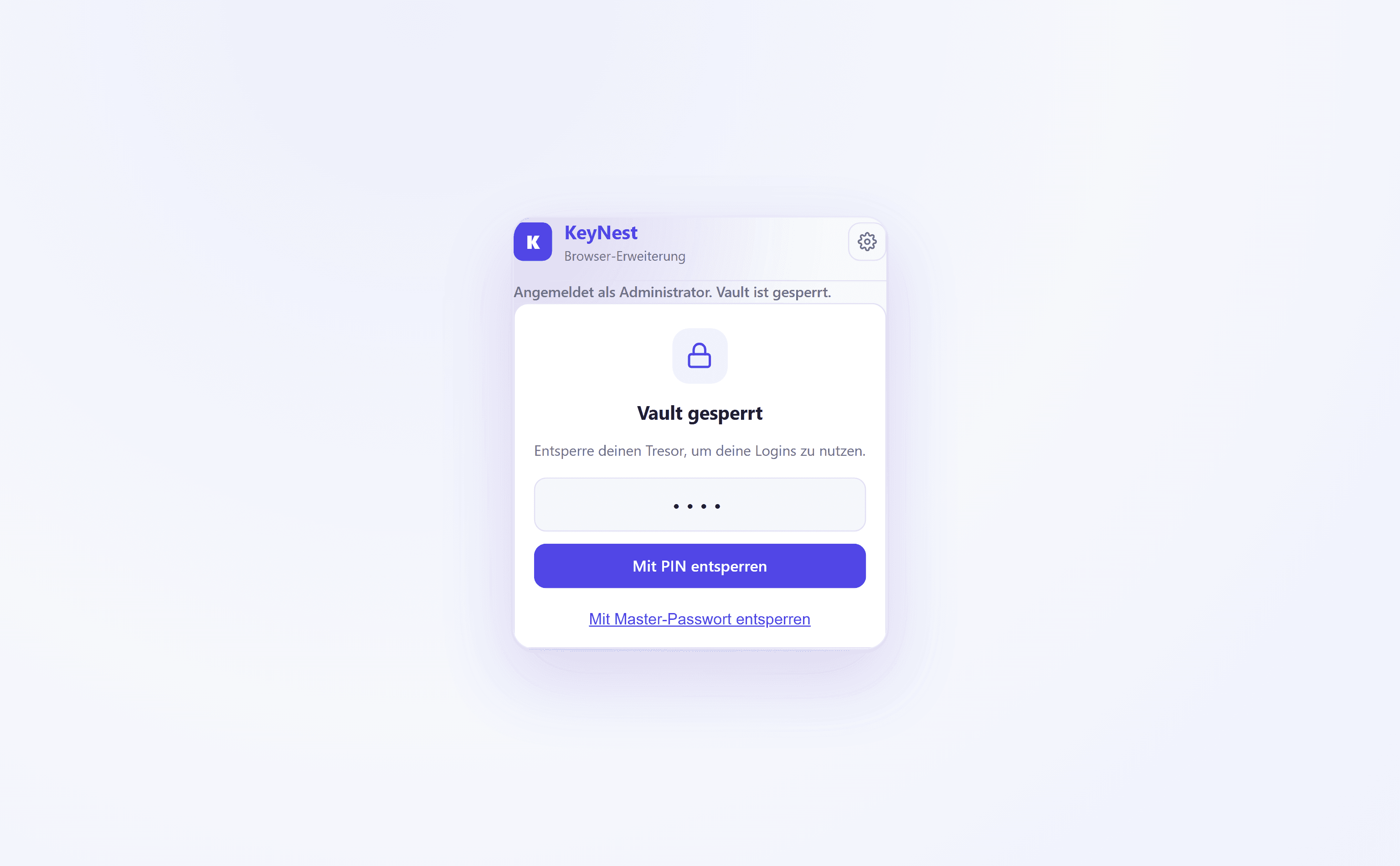
Unlock fast with a PIN
Set a PIN and unlock the extension in a snap instead of typing your master password every time. After several failed attempts the password is required again.
Chrome, Edge and Firefox
One build for all major browsers. Install, sign in, done — the extension behaves the same everywhere.
Save new logins instantly
Sign up somewhere new and Key Nest offers to save the login in the right vault — including the detected username and URL.
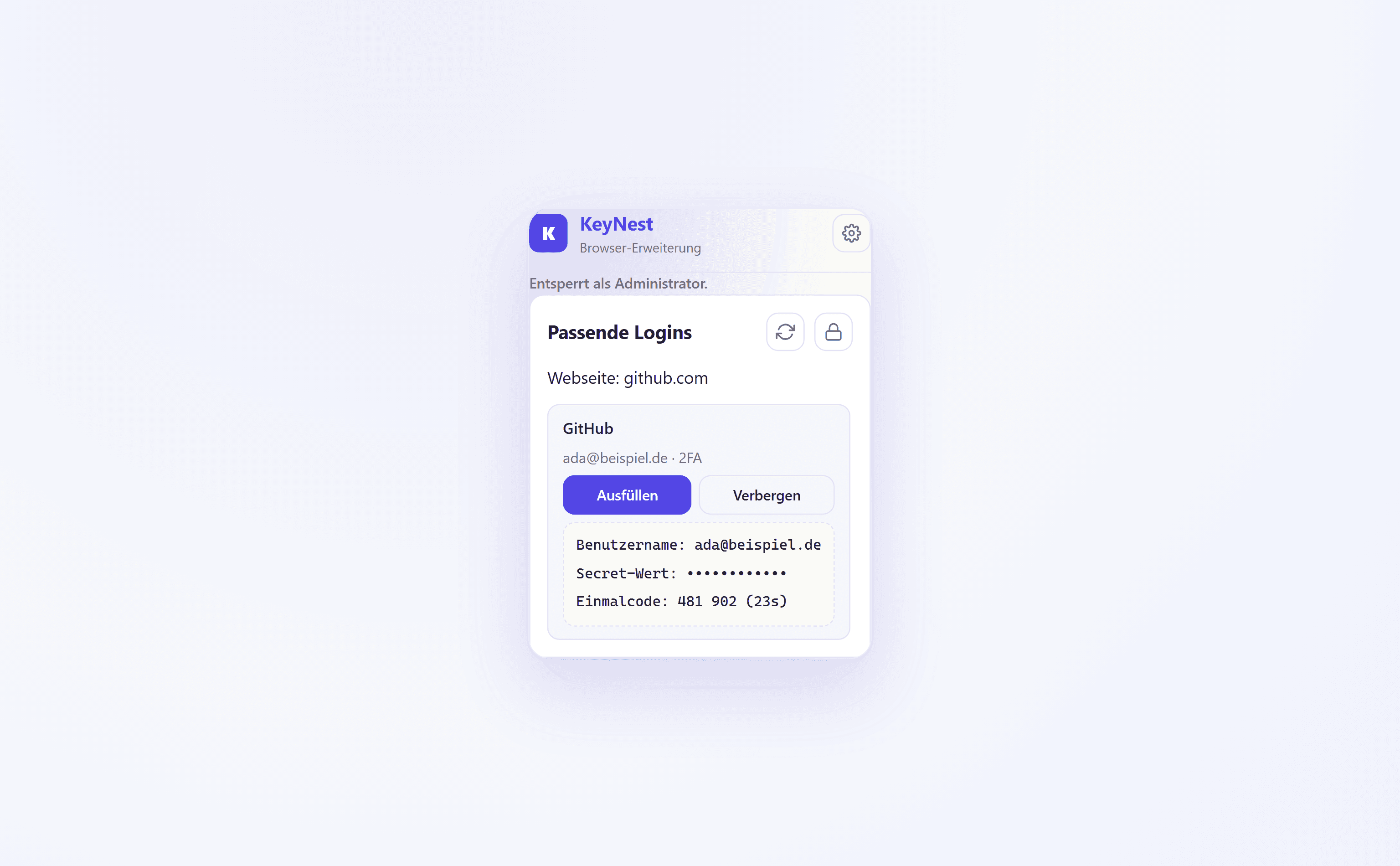
2FA codes at hand
For entries with a stored 2FA secret, the extension shows the rotating one-time code right there — no second device needed.
Use protected entries without seeing them
Privacy-shielded entries are filled by the extension, but the plaintext stays hidden — use yes, see no.
Unlock fast with a PIN
Sign in once with your master password, set a PIN — then the PIN is all it takes to unlock the extension. Your master password stays the fallback and is required again after several failed attempts.
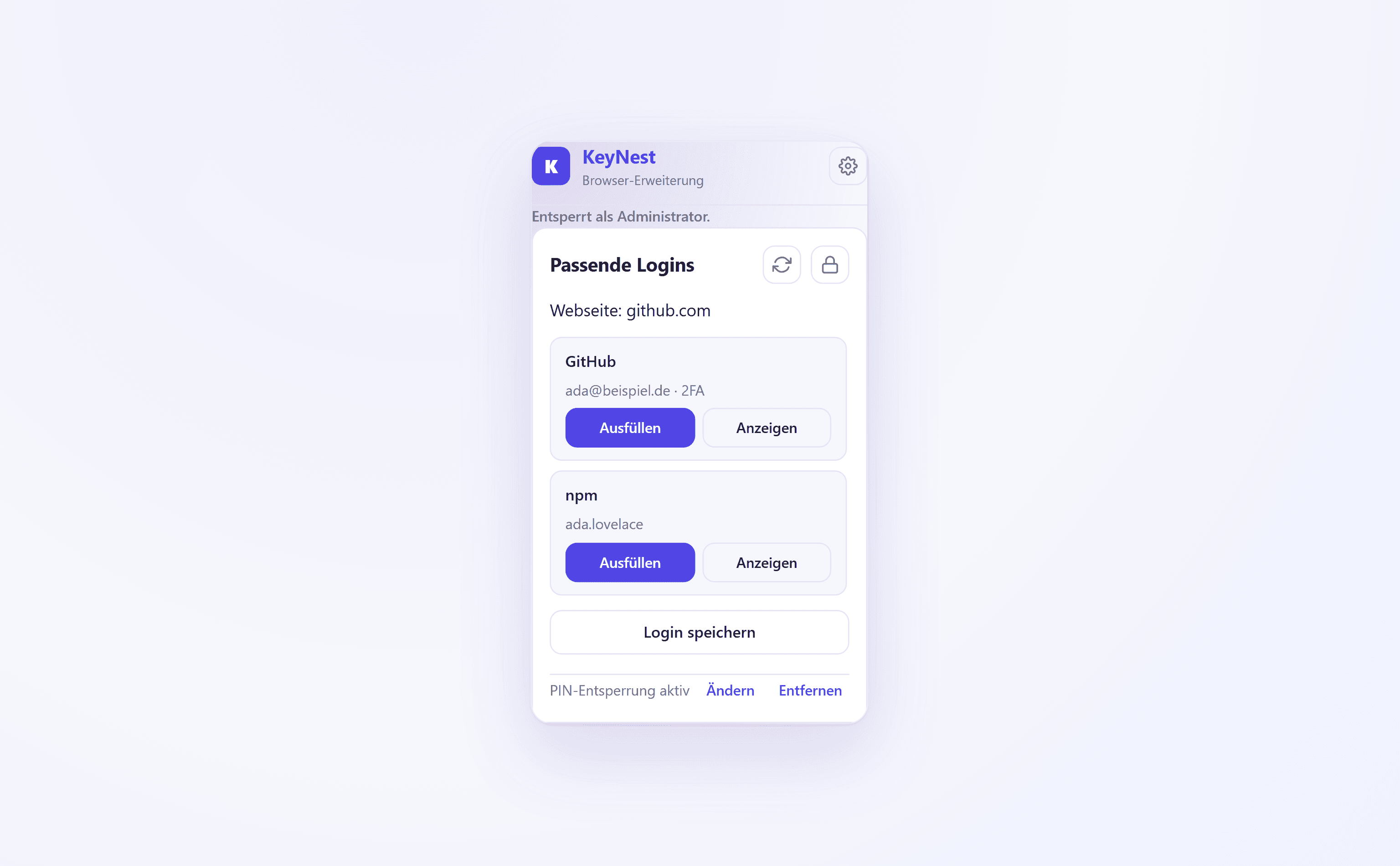
Fill passwords in one click
The extension matches the current website against your vaults and shows matching logins. One click on “Fill” enters the username and password into the form — and new logins can be saved right away.
2FA codes and protected entries
Stored 2FA secrets are shown as a rotating one-time code. Privacy-shielded entries can be filled, but the plaintext stays hidden — only those allowed to see it can.
Ready for friction-free logins?
Try Key Nest with your team — the extension is set up in minutes.
Try for free